To log into WebBookingPro please visit https://app.webbookingpro.com/
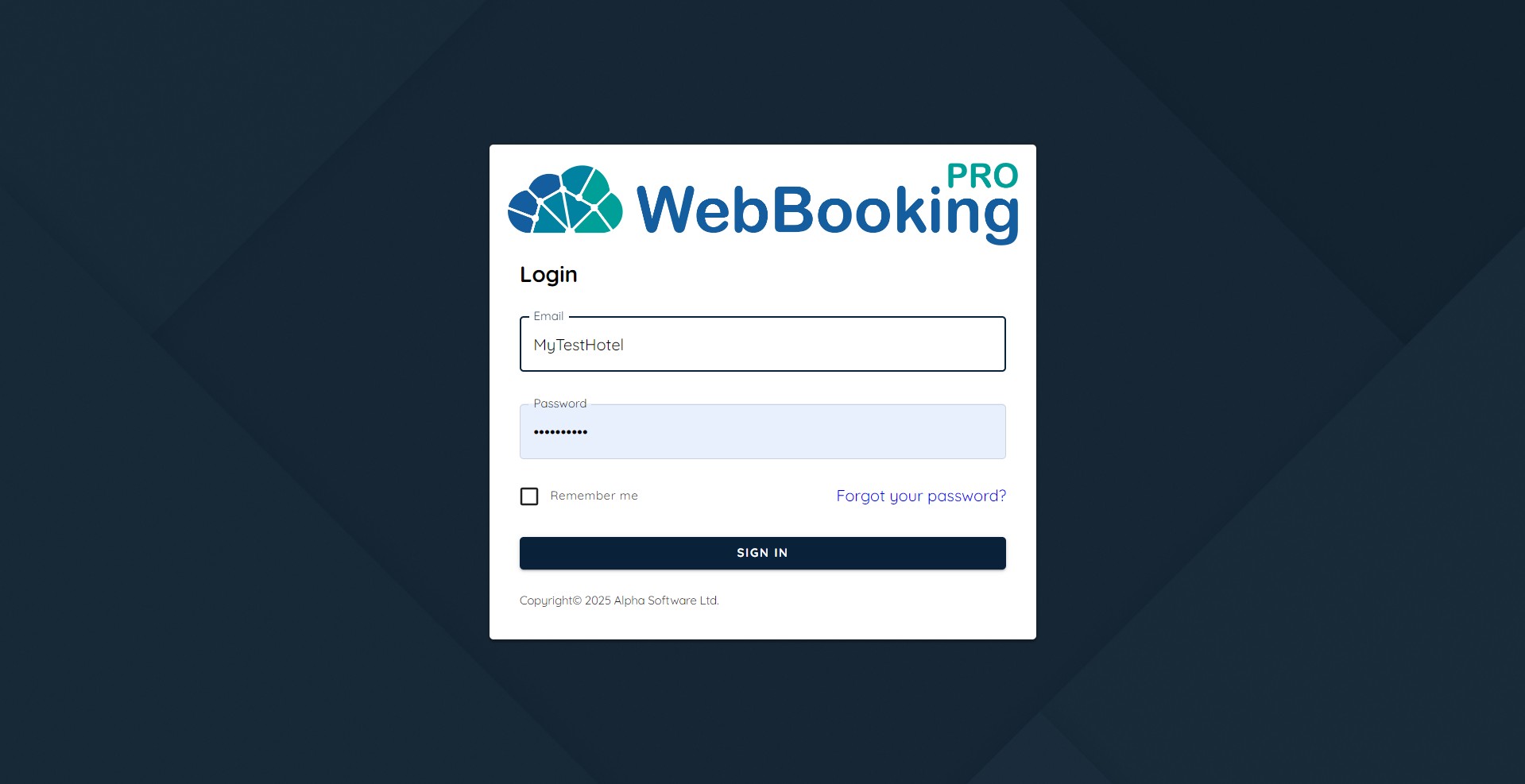
On first login you will have to set up new password.
After successfully login you will enter into Cockpit Area.
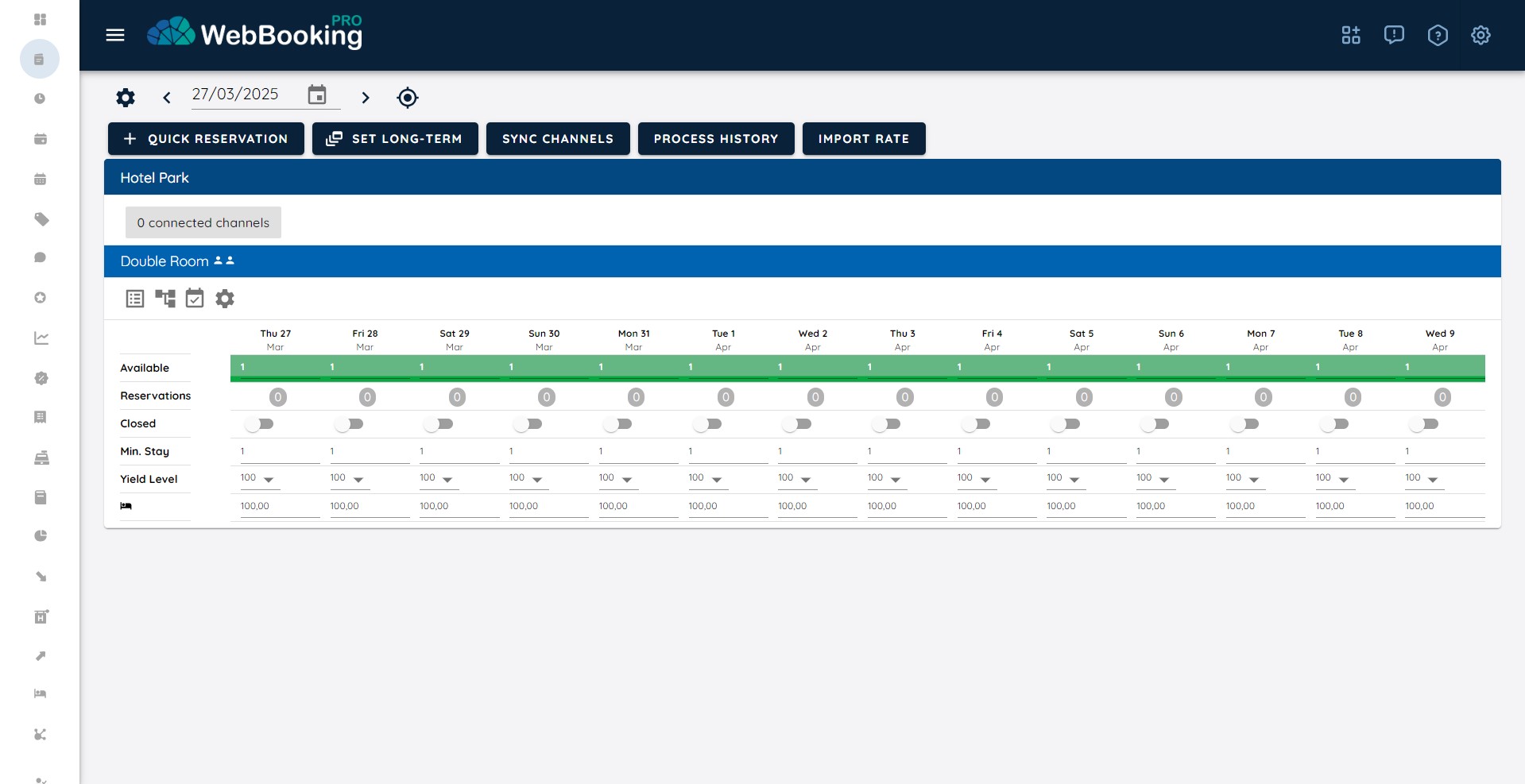
Your new account and new property has been configured with:
- Double Room, total 5 rooms, 1 available with occupancy based pricing
- Price for Room has been set to 100 EUR for all nights for whole current year
On the top-right Settings icon (Gear icon) you can change
- interface language (currently supported English, Croatian, Serbian)
- under Profile you can change password, set default number and date preferences
- choose whether Left menu is always visible or visible on hover (default). Most users choose visible on hover since it leaves more space for other operations…
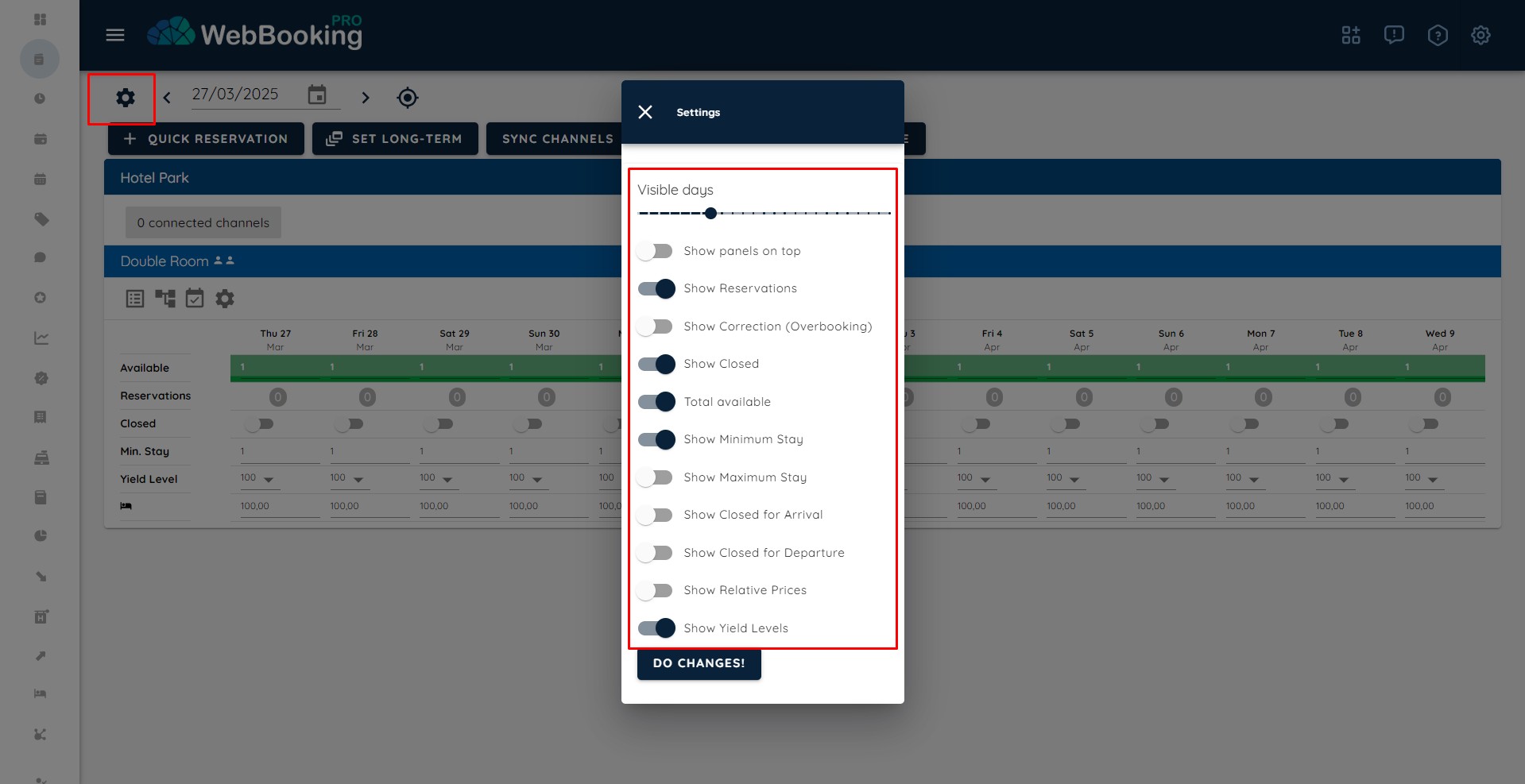
On Cockpit there is another Settings button, left to the start date. Here you can set up preferences about Cockpit (number of visible days – less days visible -> font ih bigger, more days visible -> font is smaller, …).